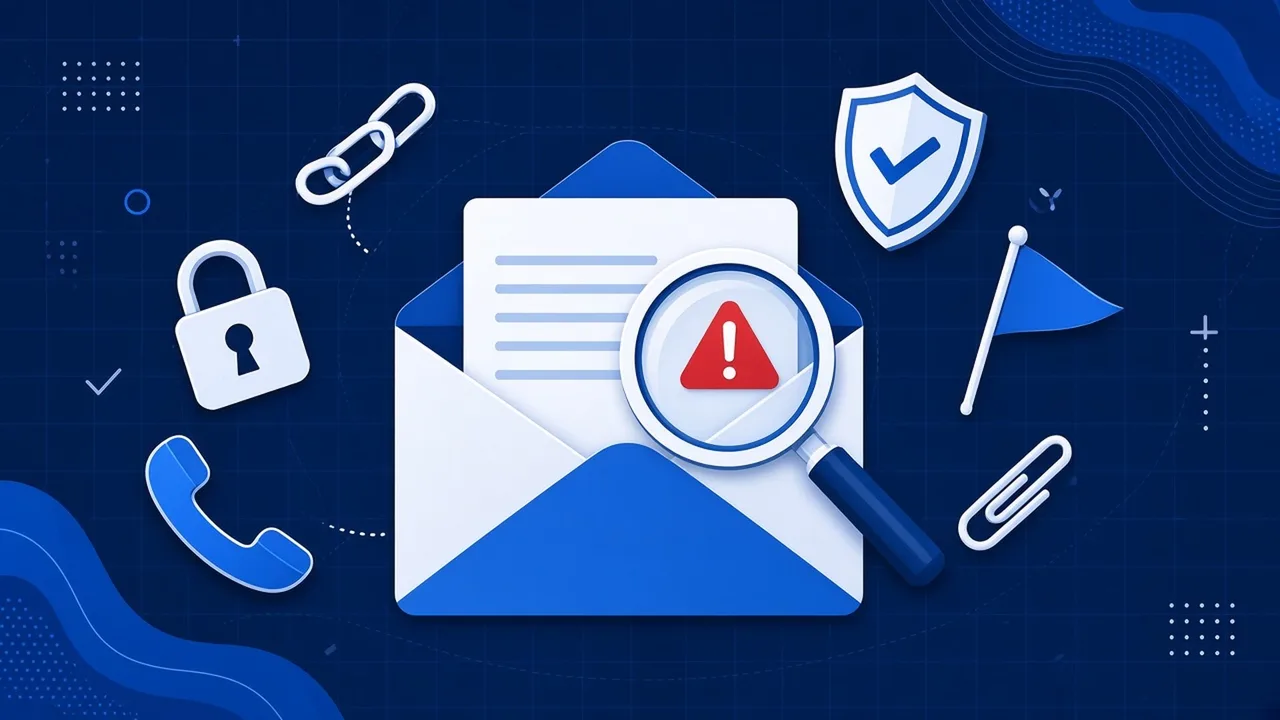
For years the advice on scam emails was simple: look for the spelling mistakes. Bad grammar, odd phrasing and a “Dear Sir/Madam” greeting were the giveaways. That advice is now out of date.
The National Cyber Security Centre (NCSC) warned that generative AI lets criminals write convincing emails “without the translation, spelling and grammatical mistakes that often reveal phishing”. It also said this will make it harder for everyone to judge whether an email or password reset request is genuine.
It is not a niche problem. In the UK government’s Cyber Security Breaches Survey 2025/2026, phishing was the most common type of breach or attack by far, experienced by 38% of businesses. Of the businesses that had a breach or attack, 69% said phishing was the most disruptive.
Stop judging the writing, start judging the request
A well written email tells you nothing about who sent it. What gives a scam away is what it asks you to do. Almost every phishing email wants one of a small number of things:
- Log in somewhere, usually via a link to a page that looks like Microsoft 365, your bank or a delivery firm.
- Pay something or change bank details, often an invoice or a supplier’s account.
- Open an attachment you were not expecting.
- Keep it quiet or be quick, because the boss is in a meeting, the account will be locked or the offer ends today.
If an email asks for any of these, slow down, however polished it looks. The more it asks you to skip your normal process, the more suspicious you should be.
Check the sender properly
The name you see in your inbox is just a label, and anyone can set it to anything. Click on it to see the real address and check the domain, the part after the @. Criminals use addresses that are one letter out, add an extra word, or use a free email account with a familiar name on it.
Bear in mind that a real address does not guarantee a real email. If a supplier’s mailbox has been hacked, the scam will come from their genuine account. That is why the next step matters most.
Verify by phone, not by reply
If an email asks for money, a login or a change to bank details, check it using contact details you already have. Ring the person on a number from your own records or their official website, not the number in the email. Do not reply to the email to ask if it is genuine, because if the account is compromised, the criminal will simply say yes.
It takes two minutes and nobody genuine will mind.
Make it easy to report
Staff will click on something eventually. What matters is that they tell someone straight away, without fear of being told off. A quick report lets you reset a password and warn everyone before real damage is done.
You can also report scam emails to the NCSC by forwarding them to [email protected]. If money has been lost, tell your bank straight away and report it to Report Fraud at reportfraud.police.uk or on 0300 123 2040.
A quick checklist for your team
- Ignore how well written an email is. Judge what it is asking for.
- Check the real sender address, not just the display name.
- Never act on a link or attachment you were not expecting.
- Confirm any payment, bank change or login request by phone using a number you already have.
- Report anything suspicious internally, then forward it to [email protected].
- Turn on multi-factor authentication so a stolen password alone is not enough.
For more of the classic warning signs, see our guide on how to spot a phishing email, and our list of Microsoft 365 mistakes that make phishing more damaging.
How would your team do?
The best way to know if your staff would spot a modern scam is to test them safely. Our free staff phishing test sends a realistic, harmless email to your team and shows you who clicked, with no blame attached. If you want to talk it through first, use the live chat on our website or call us on 01482 586 550.