Most small businesses have at least one login that several people share. The accounts inbox. The supplier portal. The social media account. Sometimes even a single Microsoft 365 account that the whole office signs in to. It is convenient, and it usually started as a short cut that nobody went back to fix.
The trouble is that a shared login quietly undoes most of the security you have paid for.
Why shared logins cause problems
The NCSC is clear on this: each person should have their own work account, and multiple users should not share one. It gives three reasons, and all of them matter to a small business.
You cannot tell who did what
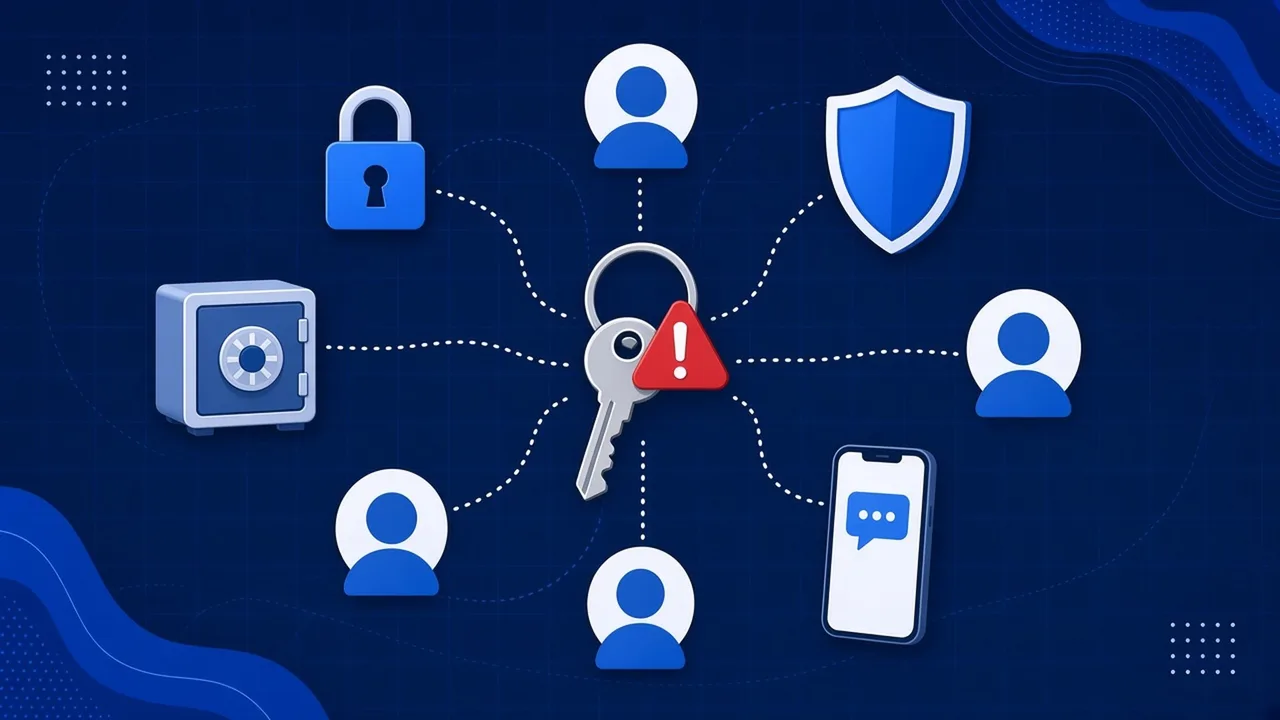
If five people use the same login, every action looks the same. When an invoice is paid to the wrong account, a file is deleted or a strange email goes out, there is no way to know who did it, or whether it was anyone in your team at all. A criminal using a stolen shared password looks exactly like a colleague.
Private information spreads further
Everyone who shares an account sees everything in it. That might be fine for a generic enquiries inbox, but shared logins tend to creep into places holding payroll details, customer records or bank access.
One leak exposes everything
A shared password gets written down, sent in messages and saved on more devices. The more places it lives, the more chances there are for it to be phished or stolen, and when that happens the attacker gets everything that account can reach.
The password never really changes
When someone leaves, the shared password should change. In practice it often does not, because changing it means telling everyone the new one and updating every device. So ex staff can keep access for months.
Shared accounts also make multi-factor authentication (MFA) awkward, because the code goes to one person’s phone. The usual result is that MFA gets switched off for that account, which removes one of the best protections there is.
It matters for Cyber Essentials too
The Cyber Essentials requirements (version 3.3, April 2026) say your business must authenticate users with unique credentials before giving them access to applications or devices, and must remove or disable accounts when they are no longer needed. A login shared by several people makes both of those hard to show. See what Cyber Essentials actually asks for for the full picture.
What to do instead
Shared mailboxes, not shared passwords
If several people need to work from info@ or accounts@, use a Microsoft 365 shared mailbox. Each person opens it with their own account, so there is one password each and MFA still works. Microsoft says a shared mailbox is not meant for direct sign-in, and advises blocking sign-in on the mailbox account and keeping it blocked.
Give everyone their own account
For your main systems, every person gets their own login. Most business software lets you add users with different levels of access, so people see only what they need.
Use a password manager for what must be shared
Some services genuinely only offer one login. Keep those in a business password manager that lets you share access with named people, and take it away quickly when someone leaves.
A quick checklist
- List every login that more than one person uses
- Move shared inboxes to shared mailboxes with sign-in blocked
- Create individual accounts wherever the system allows it
- Put anything that must be shared into a password manager
- Turn on MFA for every account
- Change shared passwords and remove access the day someone leaves
Shared accounts are one of the Microsoft 365 mistakes we see most often, and our guide to strong passwords and MFA covers the next step.
Want a hand untangling them?
We can help you find the shared logins in your business and replace them without disrupting anyone. Our free Microsoft 365 health check is a good place to start. Ask us on the live chat on our website or call us on 01482 586 550.