In a lot of small businesses, everyone’s computer user account is an administrator. It usually happens for a good reason: someone needed to install a printer driver or a piece of software, and giving them admin rights was the quickest fix. Years later, nobody has taken it away.
It feels harmless, but it is one of the easiest ways to make a small mistake much more expensive.
What admin access actually means
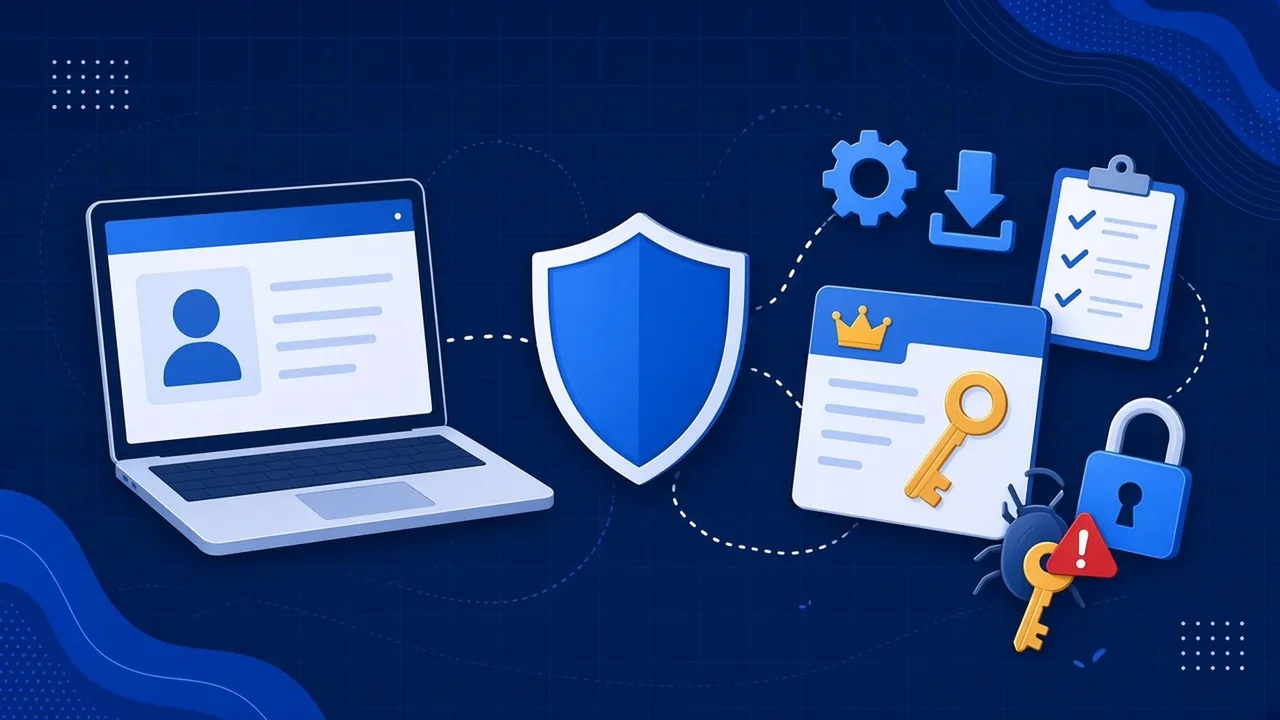
An administrator account can change almost anything on a computer. Cyber Essentials, the UK government backed security scheme, describes admin accounts as able to run software that makes significant security changes to the operating system, change settings for other users, and create new accounts and hand out privileges.
A standard user account can do everyday work perfectly well: email, documents, browsing, your business software. What it cannot do is install software or change system settings without someone entering admin details.
Why it matters when something goes wrong
When malware runs on a computer, it usually gets the same level of access as the person logged in. The Cyber Essentials requirements spell this out: if a user opens a malicious link or email attachment, the malware typically runs with that user’s privileges.
So if a member of staff clicks a bad link while logged in as a standard user, the damage is often limited to what that account can reach. If they click the same link while logged in as an administrator, the malware gets admin rights too. Cyber Essentials gives an example of exactly this: ransomware launched from an admin account encrypting far more data than it could have done with standard rights.
Admin rights also make it easy for staff to install unapproved software, browser extensions and free tools with no one checking them.
It is a Cyber Essentials requirement
Restricting admin access is part of the user access control section in the Cyber Essentials requirements (version 3.3, April 2026). Among other things, your business must:
- only give people the access they need to do their job
- use separate accounts for admin tasks, with no email, web browsing or other everyday work on them
- remove or disable admin privileges when they are no longer needed, for example when someone changes role
- turn on multi-factor authentication where available, and always for cloud services
That separate account rule applies to the IT person and the business owner too. Admin rights live on a second account that is only used when needed, not on the account you read email with.
Most businesses already do some of this. In the government’s Cyber Security Breaches Survey 2025/2026, 73% of businesses said they restrict IT admin and access rights to specific users. That still leaves around a quarter that do not.
You can read more in our guide to what Cyber Essentials actually asks for.
But my staff need to install things
Sometimes they do. The answer is not to make life difficult, it is to put a simple process in place:
- Staff ask, and someone with an admin account installs or approves the software.
- Common tools can be pushed out centrally, so nobody needs to install them by hand.
- Anyone who genuinely needs admin rights gets a separate admin account, used only for those tasks.
Done well, most staff never notice the change.
A quick checklist
- List every account with admin rights, on computers and in Microsoft 365
- Remove admin rights from anyone who does not need them day to day
- Give admins a separate account for admin work only
- Turn on MFA for every admin account
- Agree a simple way for staff to request software
- Review admin access whenever someone joins, leaves or changes role
Admin accounts in Microsoft 365 matter just as much as those on laptops. Our post on Microsoft 365 mistakes covers the common ones.
Get it sorted as part of Cyber Essentials
If you are working towards certification, we can help you tidy up admin access along with the other four controls. See Cyber Essentials at a fixed price, ask us on the live chat on our website, or call us on 01482 586 550.